
LG Interactive Display Solutions
LG CreateBoard TR3ER Interactive Display
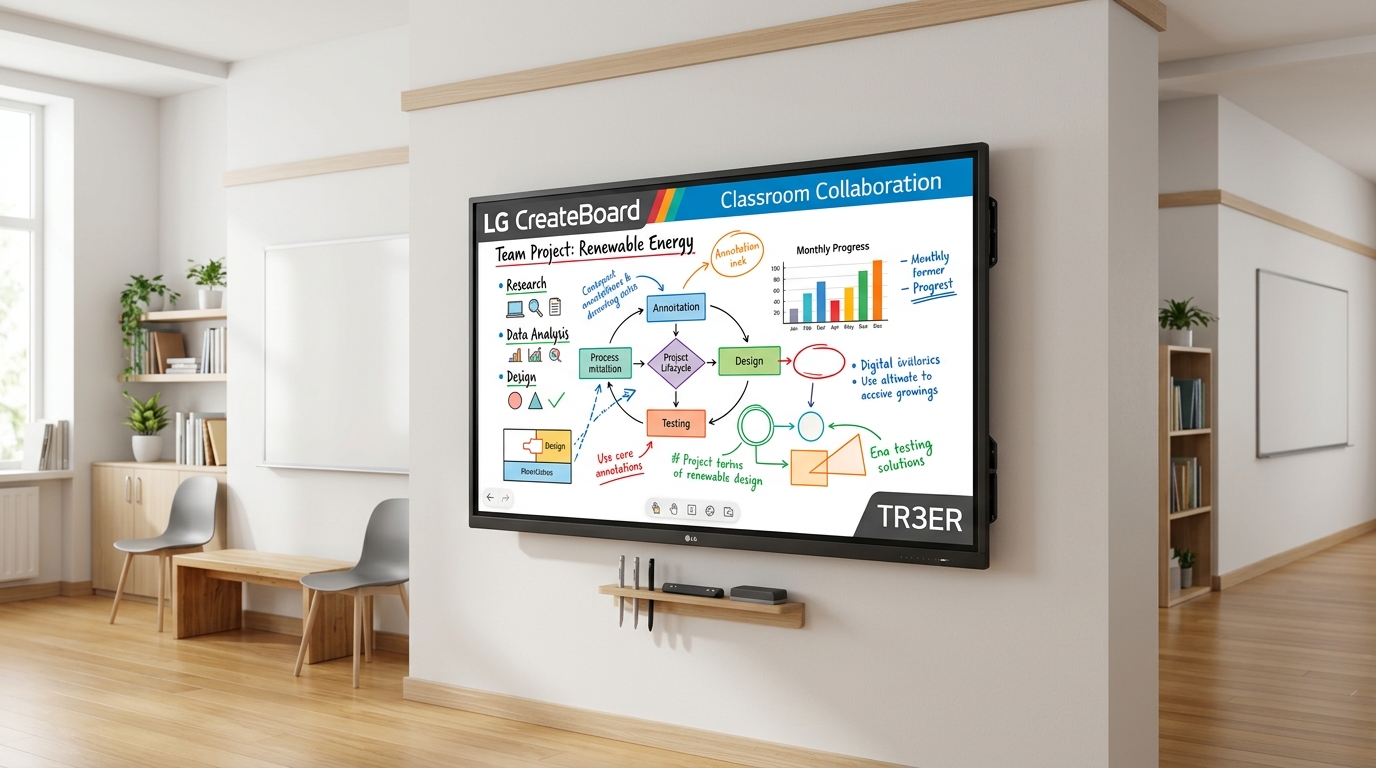
The LG CreateBoard™ TR3ER Series is a premium enterprise-grade Interactive Digital Board. Built with Android 16 (EDLA) and Google Certification, it seamlessly combines a natural writing flow, multi-OS screen sharing, and cloud management to transform boardrooms, smart classrooms, and training rooms.
Product Highlights
State-of-the-art features for seamless collaboration.
Google Certified (EDLA)
Seamlessly integrate with the Google ecosystem. Sync Google Drive, download native apps directly from the Google Play Store, and secure logins via Google account credentials.
50-Point Multi-Touch
Supports fluid multi-writing. A maximum of 50 touch points can be detected simultaneously, allowing multiple students or team members to write and collaborate at once.
LG CreateBoard Share
Wireless screen sharing for up to 4 devices simultaneously in real-time. Supports native AirPlay, Chromecast, and browser-based connection without dedicated apps.
LG ConnectedCare Cloud
Centralized device management solution. IT managers can remotely monitor status, adjust display brightness, schedule alerts, and broadcast emergency notices instantly.
Enterprise-Grade Security
Keep company files safe. Lock screens with secure PINs, restrict USB data copying with USB Lock Mode, and set files to delete automatically after a set period.
65W USB-C Connectivity
Establish single-cable loops. USB-C interface enables high-speed data transmission, screen casting, touch back control, and charging connected devices up to 65W.
LG CreateBoard Lab
Creative whiteboarding solution designed for fluid discussion.
LG CreateBoard Lab is a proprietary whiteboarding software suite built for real-time collaboration. It provides intuitive drawing, mapping, and media integration tools to facilitate engaging lessons and productive meetings.
LG CreateBoard Share
Seamless wireless screen sharing for multi-device environments.
Allow presenters to cast screens effortlessly without cable clutter or physical reconnection. The LG CreateBoard Share application establishes a stable collaboration network supporting up to 4 real-time display projections.
ConnectedCare Cloud Management
Enterprise device fleet management, remotely optimized.
Reduce site visits and down-time. LG ConnectedCare is a robust cloud solution that enables IT administrators to monitor status, manage settings, and update firmware across all displays from a central location.
Technical Specifications
Full engineering details and performance metrics.
| Display Panel |
|
| Touch System |
|
| System & Software |
|
| System Core |
|
| Security Features |
|
| Physical Slots |
|
Input & Output Interface
Comprehensive connectivity for modern workflows.
Front & Rear Interface Design
Featuring a front-facing input layout for easy cable swapping, along with standard rear connections for clean permanent wiring. Supports 65W device charging and high-speed data transmission over a single USB-C loop.
Need custom AV integration?
Our engineering team can design the complete connectivity routing, wall panels, switcher matrix, and cable management for your space.
Get Free ConsultationDimensions & Installation
Physical sizing, mount layouts and engineering specs.
LG CreateBoard 86"
LG CreateBoard 75"
LG CreateBoard 65"
Downloads
Official documentation and engineering resources.
Interactive Panels
Product Datasheet LG CreateBoard TR3ER PDFCommercial TVs
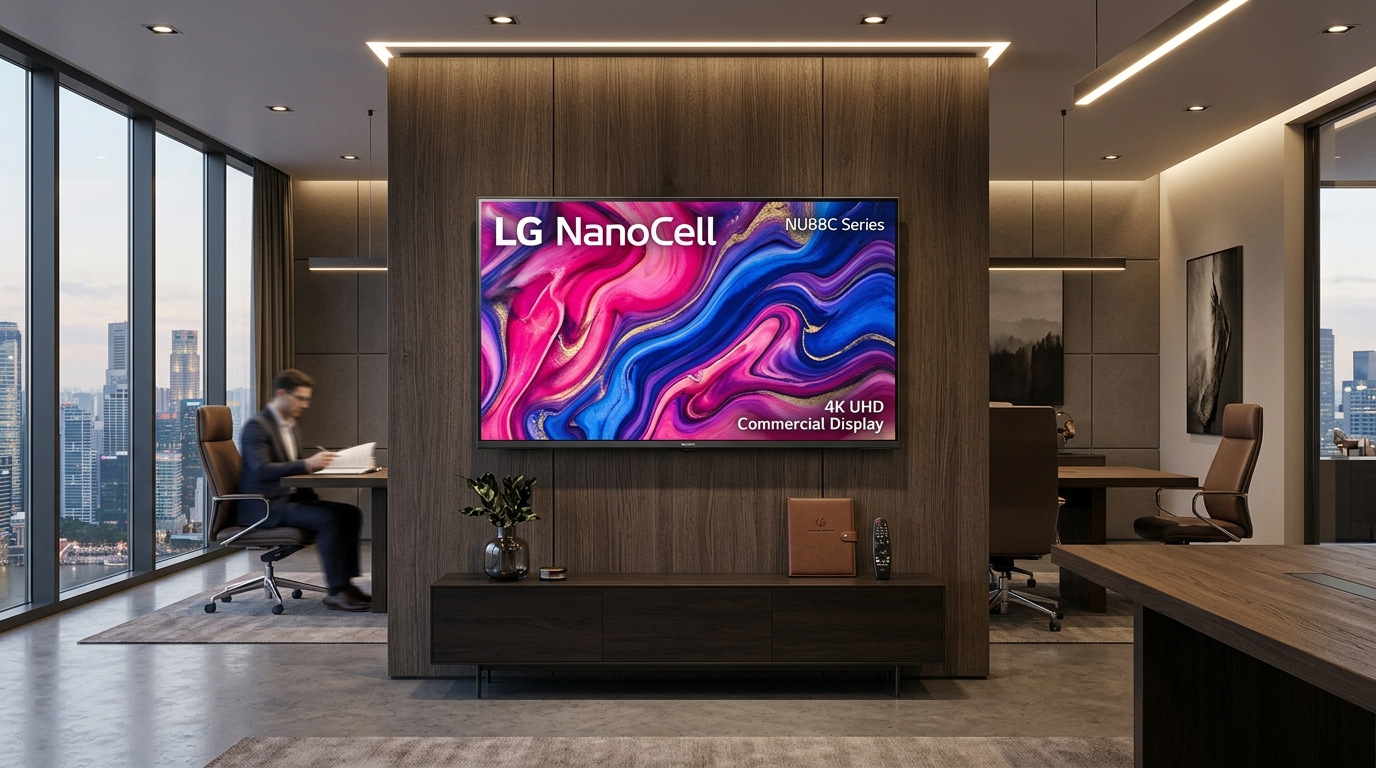
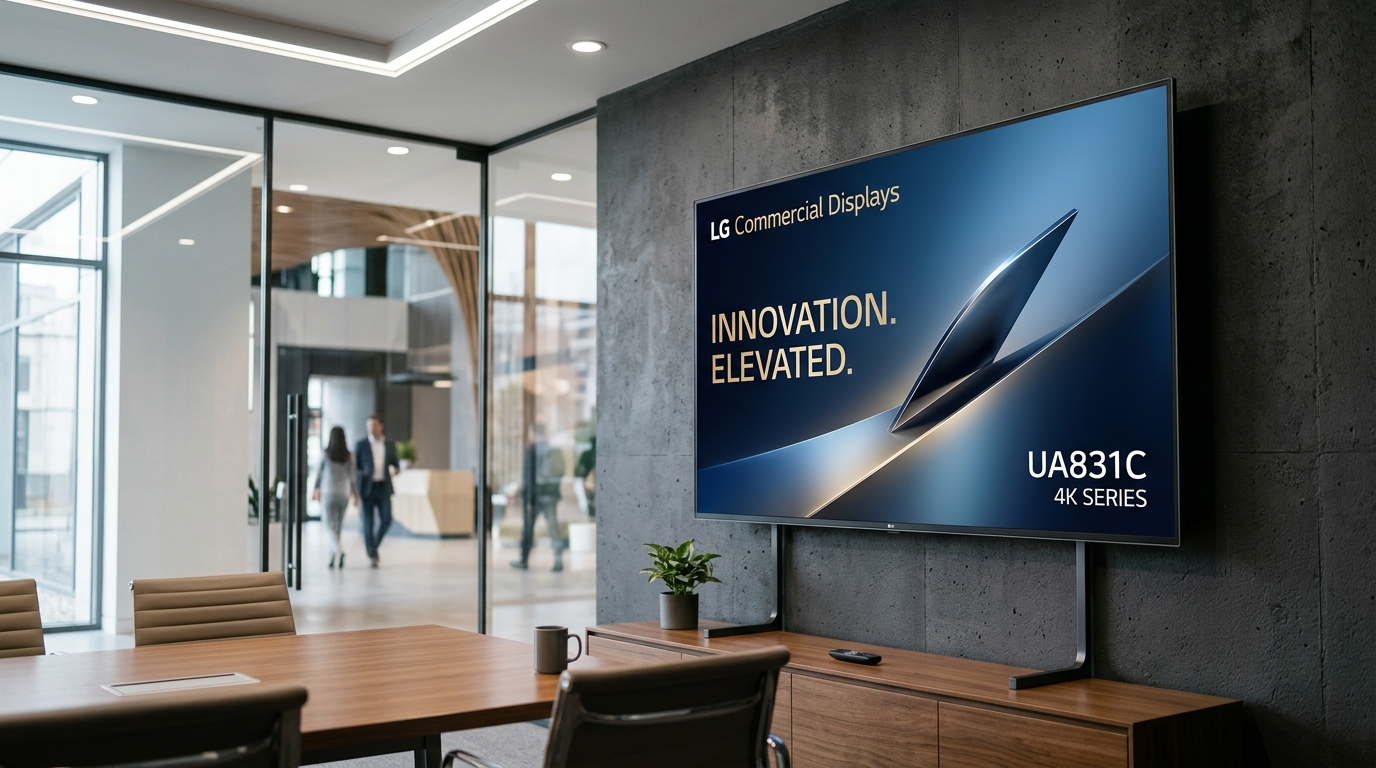
Product Datasheet LG NanoCell NU88C TV PDF Product Datasheet LG Commercial UA831C TV PDFCorporate Profiles
Corporate Profile GPSPL AV Integration BrochureRequest Pricing
Get a customized commercial quotation.
Provide your details, project location, and required screen sizes, and our sales team will prepare a formal commercial offer.
FAQs
Frequently Asked Questions
What Android version is the LG CreateBoard TR3ER equipped with?
The LG CreateBoard TR3ER series comes fully equipped with Android 16, which is Google EDLA certified, ensuring access to native Google apps and Play Store.
How many multi-touch points does it support?
The display features an advanced multi-touch point capacity supporting up to 50 simultaneous points, allowing multiple users to draw, annotate, and collaborate at the same time.
Does the TR3ER series have an OPS slot?
Yes, the TR3ER series includes a built-in Open Pluggable Specification (OPS) slot at the back. This allows users to easily slide in an OPS module to run a dedicated Windows PC setup without routing external cabinet cables.